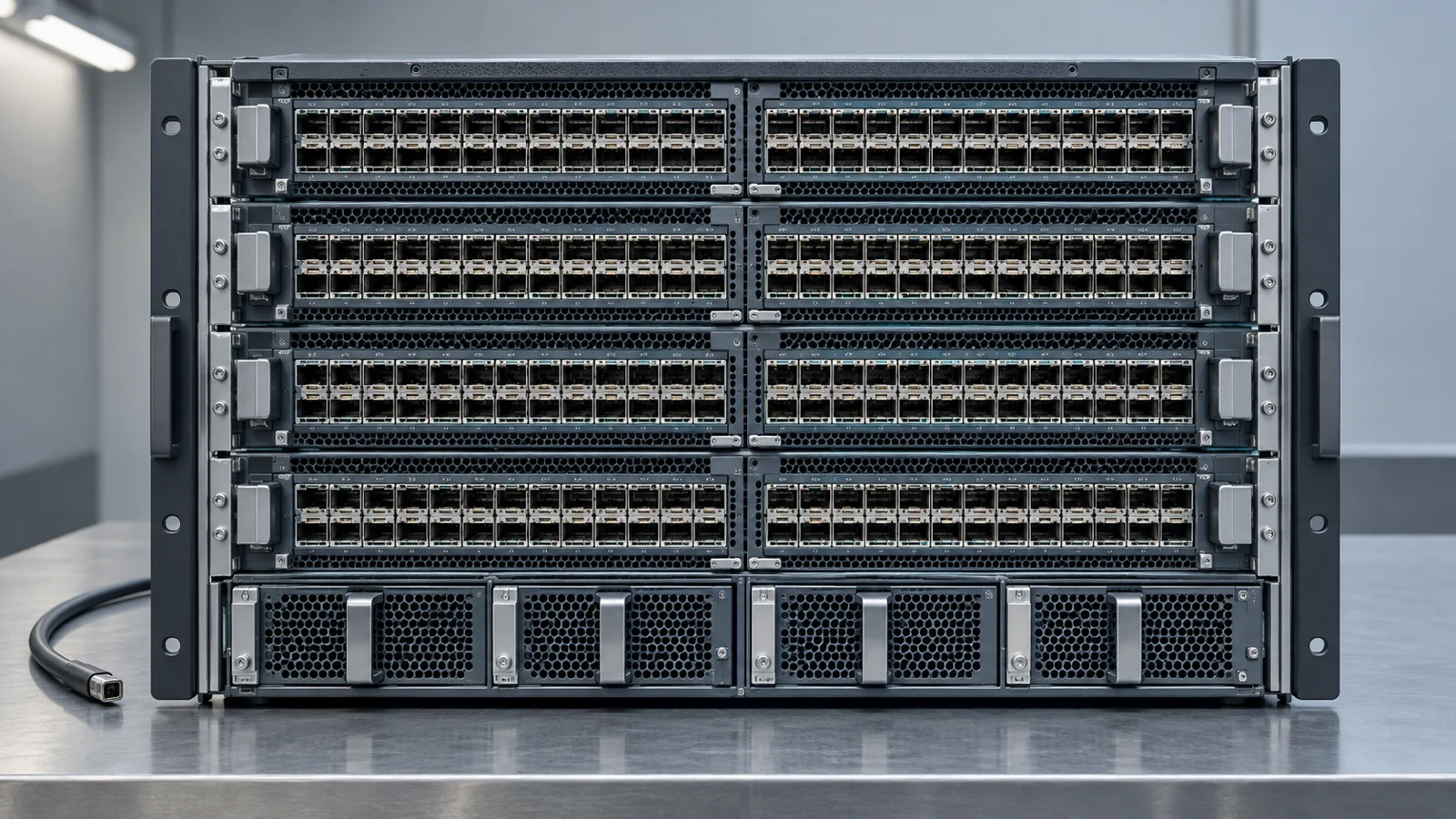
Cisco’s October 7 NX-OS security hardening release fixes six groups of internally discovered vulnerabilities across MDS storage switches, Nexus data-center switches and UCS fabric interconnects. The affected hardware spans standalone NX-OS and ACI deployments. A vulnerable release is affected regardless of device configuration, so a management setting alone will not take an affected switch out of the upgrade queue.
Two groups reach CVSS 9.8: improper access control and out-of-bounds writes. Cisco grouped multiple findings by weakness class under one CVE per class; the published score represents the highest-impact individual finding in its group. Its PSIRT is unaware of malicious use or public announcements. Cisco found the issues during internal testing using existing processes and frontier AI models.
Six groups, different failure modes
The access-control group, CVE-2026-76455, covers authentication, authorization and privilege bypasses. The out-of-bounds-write group, CVE-2026-76459, covers stack and heap buffer overflows and incorrect buffer-size calculations. Cisco rates both up to 9.8; their published vectors describe a network path with no privileges or user interaction. A reachable network service therefore deserves priority in the maintenance plan, while the affected-release inventory determines the full scope.
The other four groups are improper neutralization, CVE-2026-76453, rated up to 8.8; improper input validation, CVE-2026-76456, up to 8.6; out-of-bounds reads, CVE-2026-76457, up to 8.6; and exception handling, CVE-2026-76458, up to 8.6. The neutralization group includes command, OS and argument injection findings; its CVE vector requires low privileges. The validation group includes path traversal and external path control, while the read and exception-handling groups include information exposure and reachable assertions respectively. Put vulnerable builds with reachable management paths early in the upgrade queue.
Fixed builds depend on product mode
The upgrade target changes with the chassis and software branch. For MDS 9000 switches, Cisco puts the first fix at 9.4(5a) on the 9.4 branch; devices on 9.3 and earlier must migrate to a fixed release. Nexus 7000 switches on 8.4 first receive the fix in 8.4(14); 8.3 and earlier must migrate. Cisco’s fixed-release tables are the authority for selecting a supported target for each device.
For Nexus 3000 and standalone NX-OS Nexus 9000 switches, the first fixed releases are 10.3(10), 10.4(8), 10.5(6) and 10.6(4) on their respective branches. Cisco lists 10.3(10) as the first fix for 10.3 and earlier. Nexus 9000 fabric switches in ACI mode follow a separate table: 16.0(9h) for 16.0 and earlier, 16.1(6g) for 16.1, and 16.2(3g) for 16.2. A standalone switch and an ACI fabric switch need different tickets even if both say Nexus 9000 on the chassis.
The UCS 6300, 6400, 6500 and 6600 fabric interconnects, plus the UCS X-Series Direct Fabric Interconnect 9108 100G, have a further split by management mode. On UCS 4.3, the first fix is 4.3(6j) in UCS Manager managed mode and 4.3(6.260049) in Intersight managed mode. Cisco also lists 4.3(6.260059) specifically for the 9108 100G. On UCS 6.0, the corresponding first fixes are 6.0(2e) and 6.0(2.260080). UCS 4.2 and earlier require migration to a fixed release in either mode. Record the management mode alongside the installed build before assigning the upgrade.
Schedule the release change
Cisco lists the workaround status as “No workarounds available.” Restrict management reachability to the administrators and jump hosts that need it during the maintenance window, but schedule the vendor-fixed build for each affected branch. Network isolation reduces who can reach a service; it does not repair a vulnerable release. Plan for the device’s memory and configuration support on the destination build, as Cisco advises, and use TAC or the maintenance provider where the supported route is unclear.
Verify each installed build
Pull the hardware family, operating mode, branch and installed build from network and UCS inventory; reconcile those entries with the running software shown by the actual device or its management console. Include MDS 9000, Nexus 3000/7000/9000 in both Nexus 9000 modes, the listed UCS fabric interconnects and the 9108 100G. Check which administration networks can reach each affected device while the update is pending. Schedule migrations for branches Cisco marks “Migrate to a fixed release,” then install the appropriate fixed build. Keep the prechange and postchange running releases in each maintenance ticket so a failed upgrade stays visible to the network team.
Once each device returns to service, retrieve its running release and locate that hardware family and operating mode in Cisco’s table. A completed upgrade shows the applicable fixed build or a later supported Cisco release. Configuration-dependent screening would miss vulnerable builds here; the release itself is the durable check.