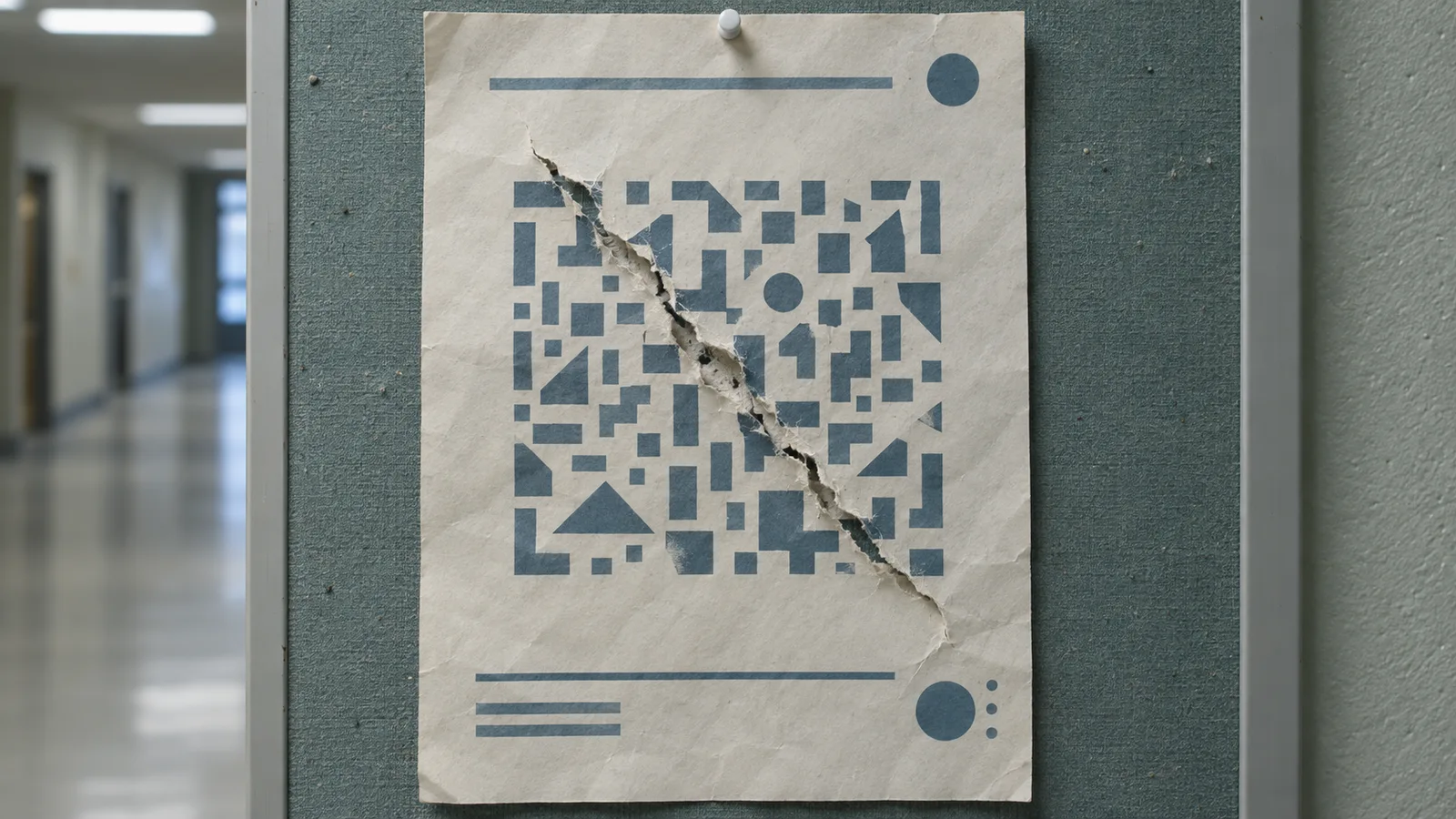
Fake academic event invitations targeted people affiliated with Taiwan research organizations and led toward a spoofed Google login. Cisco Talos traced the mid-2026 campaign: the operator reused public event details, hid phishing destinations behind registration links and altered QR codes on event posters. Its live sign-in relay could collect passwords and MFA challenge responses while the recipient worked through what looked like Google authentication.
Talos examined three invitation emails impersonating Taiwan European Union Centre, NCCU Institute of International Relations and Taiwan Research Institute. A recipient contacted the organizations; none confirmed the purported senders as representatives. The event details were part of the lure. The link text in one message resembled a Google Forms address, while its actual destination led to a phishing page hosted on a third-party platform. A forwarded poster or a printed copy could carry the altered QR code beyond the original mailbox.
A registration link opens another login
Talos observed a form impersonating Google Forms that redirected visitors to a spoofed Google login page. The login interface supported Simplified Chinese, Traditional Chinese and English, choosing a locale using the browser’s language settings. Preserve the email’s underlying link target and decode the poster QR destination in a controlled analysis workflow; compare both with the organizer’s independently obtained registration page.
The invitations shared structure, sweeping policy language and interchangeable flattery. Talos assesses that the operator likely used AI assistance to personalize a reusable template. The wording is a clue for clustering messages, while the concealed destination and modified poster are the concrete routing evidence. Talos also assessed with moderate confidence that the kit’s localization began in Simplified Chinese, based on its default-language branch and vocabulary; avoid assigning the campaign operator a nationality from that clue.
Two channels follow the Google challenge
The spoofed page collected browser details and sent account identifiers, passwords and challenge input to the actor’s server through separate HTTP POST events. The server relayed authentication steps to Google. Once Google selected the next step, the actor’s server pushed interface-state updates back to the page over a persistent WebSocket, so the victim saw the corresponding password or MFA screen.
The page followed Google’s live authentication flow, showing the next password or MFA prompt as the actor’s server received it. Talos describes the kit as operator-driven and says the relay can harvest an authenticated session token. Treat a submitted password or MFA challenge on the spoofed page as account-exposure evidence, even if the person expected MFA to stop the attempt. For network hunting, start with the saved email or decoded poster destination and look for visits followed by POST traffic and a WebSocket session to the same phishing infrastructure. Shared hosting and shortened or disguised links make a text-only match unreliable; retain the original message and proxy records alongside the user’s account events.
Talos lists the ClamAV detection Html.Phishing.UAT11985-10060614-0, Snort 2 SID 1:67198 and Snort 3 SID 7:31 for this threat. Check whether those signatures are deployed and alerting in the relevant mail, web or intrusion-prevention path; a clean alert history alone cannot clear an account that completed the flow.
Follow the account after the click
If a recipient used the registration link or scanned the poster, have them open their Google Account through a trusted bookmark or direct navigation. Google’s compromised-account guidance directs users to Security & sign-in → Recent security events and Your devices → Manage devices. Review unfamiliar events and devices, mark unrecognized activity, change the Google password immediately if another person may be signed in, and correct unfamiliar recovery details or app access. If the person cannot sign in, use Google’s account-recovery page. In Gmail, review mail delegation, automatic forwarding and filters for changes the owner did not make.
For teams defending Taiwan-focused research staff, preserve the invitation’s underlying URL and any poster QR destination, then match access to those destinations against web telemetry and the account’s security events. Remove or block the verified phishing destinations in the mail and web controls and warn the event’s organizers about altered posters. Have affected users follow Google’s recovery steps from a trusted route, including password changes and unfamiliar-device review. Verify that the registration link now resolves to the organizer’s intended page and that the affected account’s security events, devices and Gmail forwarding settings reflect the owner’s actions.