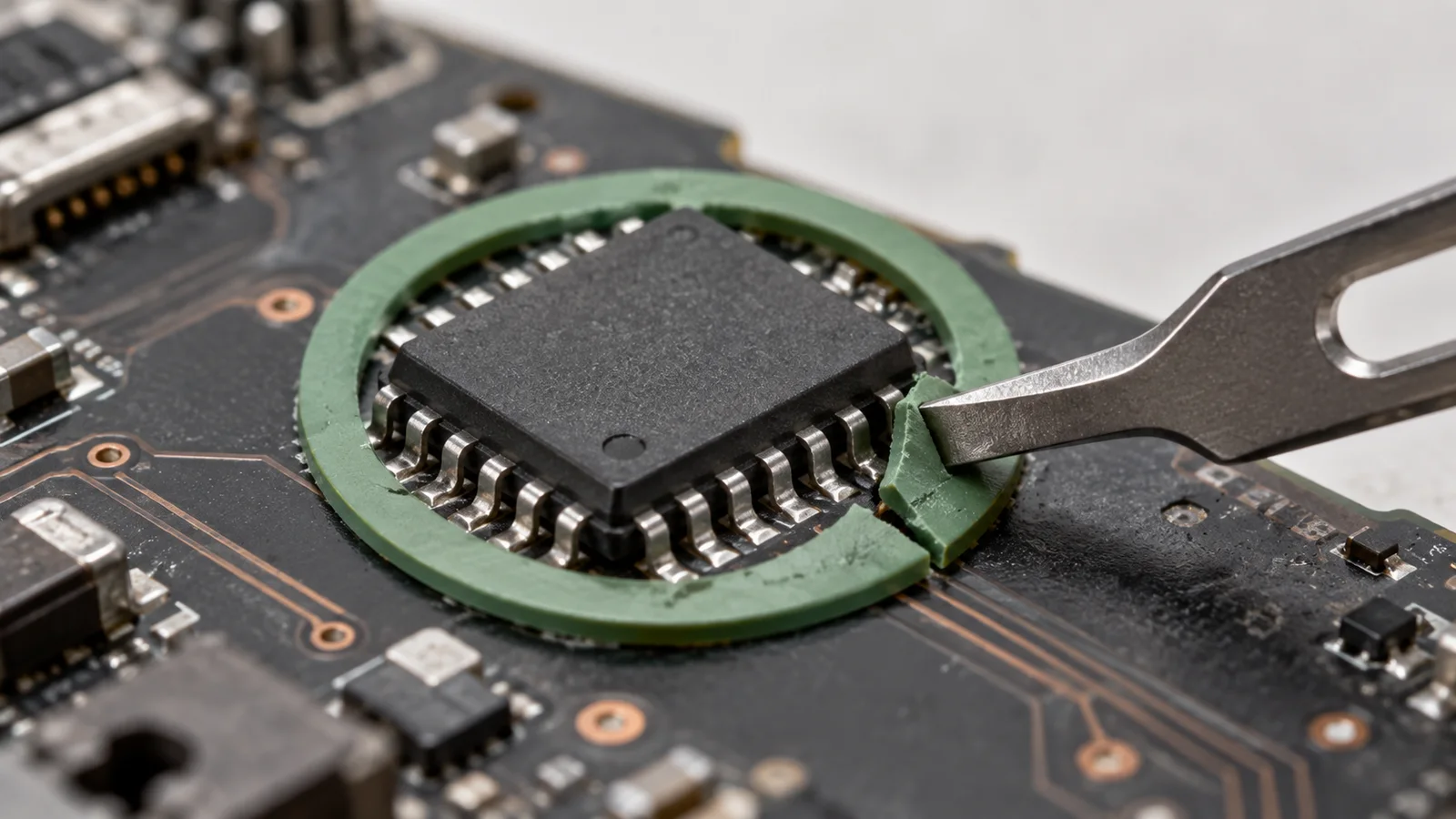
A signed diagnostic shell can start on a Secure Boot-enabled computer and then change the pre-boot memory that Secure Boot relies on. CERT/CC’s September 22 vulnerability note lists UEFI Shell binaries associated with Acer, Dell, Framework, Lenovo and other vendors. Firmware owners should match those binaries against each machine’s boot trust and revocation lists while arranging vendor updates. Launching an affected shell requires physical access or administrative privileges.
The shell carries a valid signature. Secure Boot checks that signature against the UEFI authorized database, DB, or a trusted application hash. The application then offers memory-modification capability, including mm, while the operating system and its endpoint sensors are still asleep. CERT/CC says this can let an attacker bypass boot enforcement and run untrusted UEFI code, potentially establishing pre-OS persistence or loading unsigned kernel components. The note calls it a “security boundary violation.” Inventory the signed shells each machine will still accept at boot, even where Secure Boot is on.
How a trusted shell crosses the check
UEFI starts applications before Windows or Linux. Secure Boot’s signature check grants an application permission to run; it does not confine every operation the application can perform afterward. CERT/CC says some vendor-signed shells expose mm and dmpstore. Memory access from an authorized shell can change protected boot state and defeat the later check on another UEFI component. Trusted signing lets the shell through the boot check; its diagnostic commands then operate inside that trusted pre-OS environment.
Eclypsium’s 2025 first-hand Framework research describes how legitimate firmware-update shells were signed to run under the machines’ own DB. The company sells firmware-security products and evaluated this class of issue in its own research. Eclypsium estimated that roughly 200,000 Framework laptops and desktops were affected in 2025. The diagnostic tools had a real maintenance purpose. Plan revocation with hardware vendors so maintenance and recovery components continue to boot.
Identify the binary and its trust
The CERT/CC table gives an Authenticode SHA hash and a separate SHA-256 file hash for each listed shell. For one Framework entry, the Authenticode hash is 2944da098861619e21b522a642235bb2ec189ff20ef96e100b2ffdd9a39c3416 and the file hash is 51401e93b940dec1a4391303fb6e390194b90113a8f7da6e711253c82a02b8e4. Match the file hash against firmware images and any UEFI-shell utilities your fleet distributes; compare the corresponding Authenticode hash or signing certificate with the machine’s UEFI DB. Use the complete CERT/CC table for the other entries. A match in a firmware package identifies a vulnerable artifact to assess; exposure requires a route to launch it on a machine that trusts it.
CERT/CC lists GIGABYTE and Phoenix Technologies as not affected in its coordinated vendor table. Many other vendor response entries, including Acer, Dell and Framework, are marked unknown there. Scope exposure by the actual binary, hardware, firmware and trust state. A Secure Boot status check only tells you enforcement is switched on; the DB and revocation database, DBX, determine whether this particular signed application can start.
Revoke trust without breaking recovery
Apply the available firmware and software updates for the affected hardware. CERT/CC expects those updates to replace vulnerable shell applications; the affected binaries also need vendor-specific DBX revocation so older copies cannot be launched. Coordinate the revocation and any certificate change with the vendor’s documented boot and recovery procedure. Blocking an entire certificate can affect other signed boot components that share it.
Eclypsium’s Framework report distinguishes firmware versions that remove the shell’s memory-modification commands from releases that also update DBX. Its table listed Framework 13 13th Gen Intel Core firmware 3.08 for the limited shell and 3.09 for DBX, and Framework 13 AMD Ryzen 7040 Series 3.16 for both. Those versions come from Eclypsium’s 2025 report. Confirm the currently offered model-specific firmware and revocation package with Framework before rollout.
Verify the boot trust change
First, inventory the listed shell file hashes and check whether each relevant system’s DB would authorize the matching binary. Then install the vendor’s model-specific firmware update and applicable DBX update, retaining a tested recovery path for firmware changes. Verify afterward that the replacement firmware lacks the affected shell and that the updated DBX rejects the listed old binary or its signing certificate, according to the vendor’s procedure. The expected result is an updated machine that refuses to start the vulnerable shell while normal signed boot still works.
OS and EDR logs begin too late to be a dependable view of code that ran before the OS. If an affected machine had been accessible to an attacker with physical or administrative control, preserve firmware and boot-chain evidence as part of incident work; the revocation test measures current trust. Removing the vulnerable shell and revoking its old signature shuts the route that let a maintenance tool change the rules of boot.